Why this matters
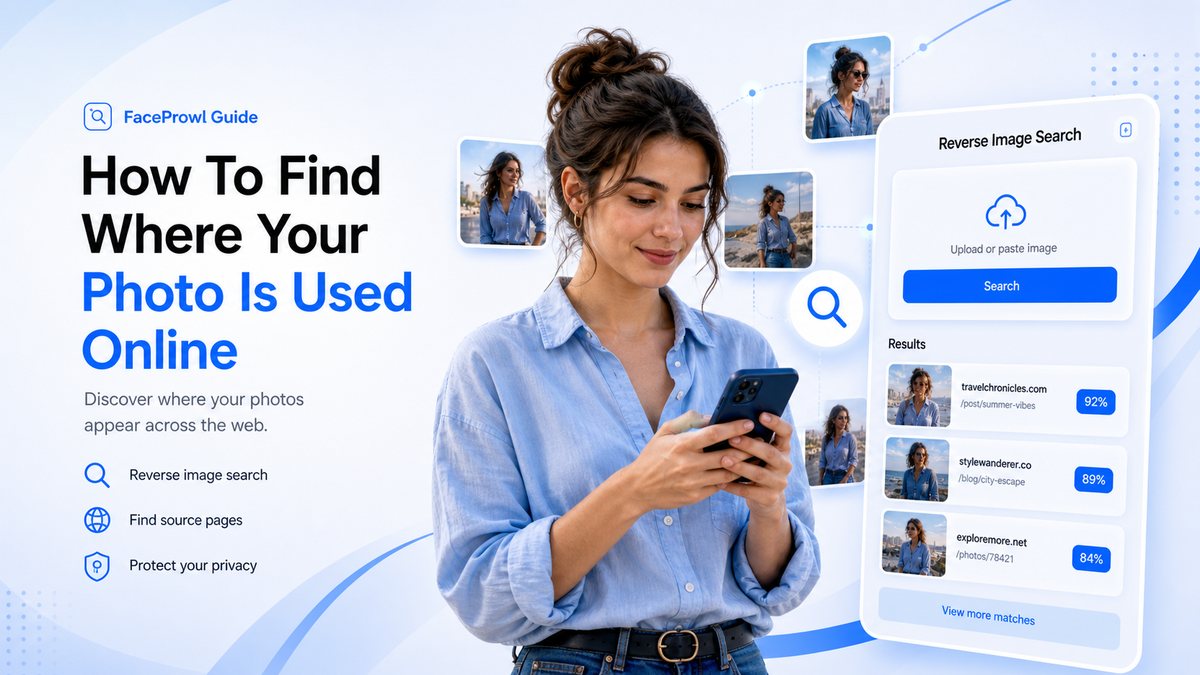
How To Find Where Your Photo Is Used Online is for anyone who wants to know where a personal photo has appeared. The goal is a repeatable process for discovering public pages that reuse a photo while staying honest about limits. FaceProwl is designed around public-web source discovery, consent-based uploads, and reviewable URLs. It can help you organize a search, but the final decision should come from checking the page, image, and context together.
When people search for find where my photo is used online, they usually want a fast answer. A good search workflow should be fast, but it should also be careful. Public pages can change, indexes can miss new images, and similar faces or similar photos can create weak leads. The practical approach is to treat results as evidence to review, not as automatic proof.
Collect the best originals
Start with the clearest version of each photo. Screenshots, social media previews, and compressed thumbnails can still work, but original files give image-search providers more detail to compare.
Search more than once
Public web indexes change. A page that is missing today may appear later, and a site can remove images after a report. Save your search notes and check again if the photo is important.
Review page context
Do not stop at a thumbnail. Open the source page after unlock, confirm that the image is still present, and check whether the use is authorized, outdated, or connected to impersonation.
Practical checklist
- Use photos you own or have permission to search.
- Choose clear images with enough face or subject detail.
- Review the source page before saving, sharing, or reporting a result.
- Keep the page URL, image URL, date, and screenshots when a result matters.
- Repeat important searches later because public web indexes change.
FaceProwl can help you search public-web source signals, preview possible matches, and unlock reviewable source URLs when a result is worth checking.
Start a FaceProwl searchFAQ
Can FaceProwl guarantee every matching page?
No. Public-web search depends on provider coverage, crawler permissions, page freshness, and whether images are accessible without login.
Should I treat a result as proof?
No. Treat a result as a lead. Review the page, image, domain, and context before taking action.